Stop Waiting. Start Delighting.
We were sick of waiting for our old application-based remote support tools to load, so we did something about it.Lavawall® remote support starts instantly on your phone, Mac, PC, or Linux browser.
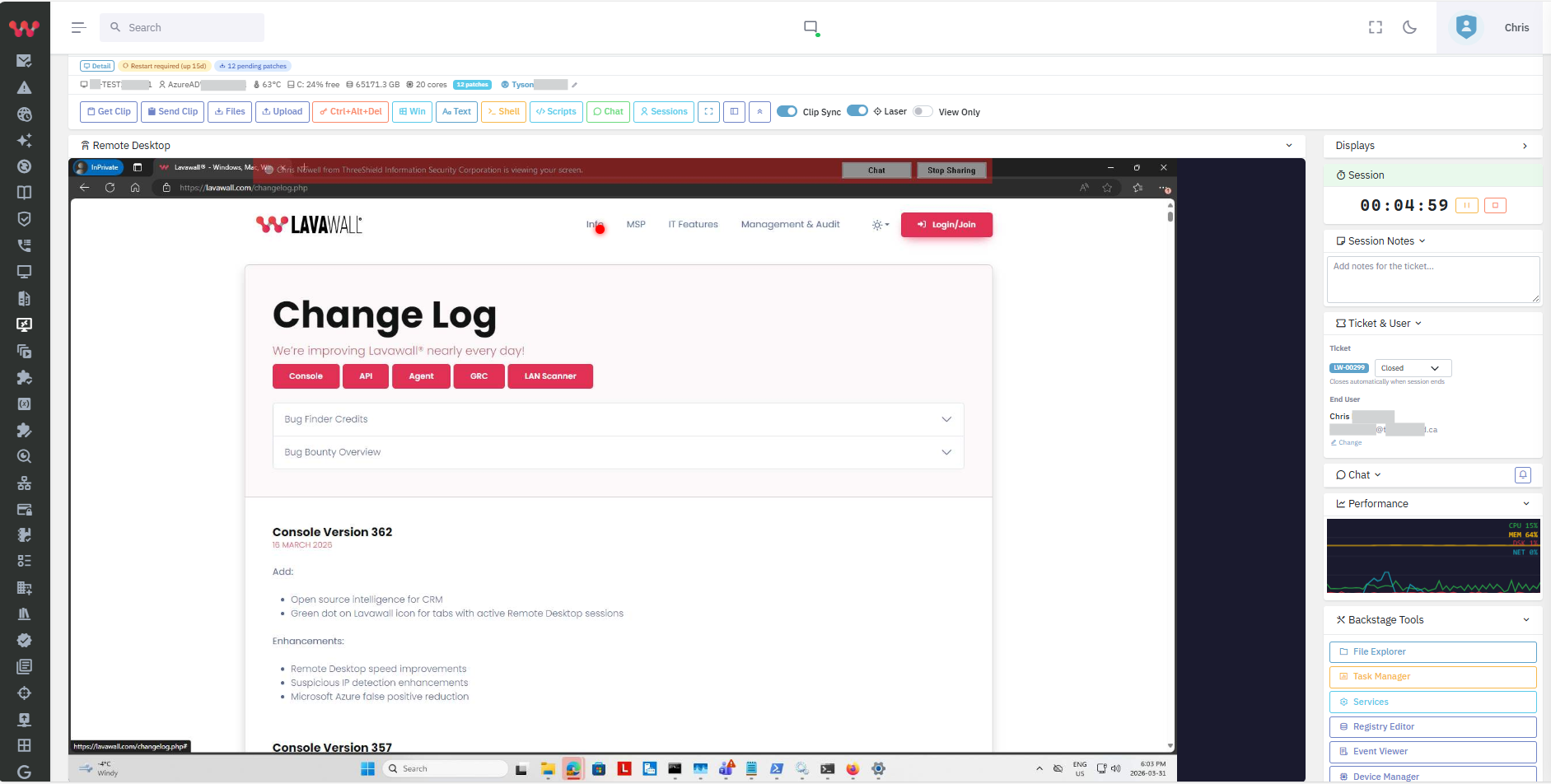
Of course, it has multi-monitor support, instant shell access, and built-in chat.
Throw your expectations out of the window because it amps up your capacity and capabilities on every level:
- The chat automatically brings up knowledge base articles as you or your client type.
- The multi-monitor view has thumbnails to make it easy to find the right device.
- We added an innovative Laser Pointer so you can easily guide your client.
- Patching, Refresh, Temperature, Disk, RAM, CPU, and other performance data right on the remote support screen.
- Easily:
- send and receive files
- trigger scripts
- open tools with admin permissions
- work from your phone as if you’re in the office
- move the remote mouse with ZERO lag.
- fill in the ticket and timekeeping right from the remote support screen
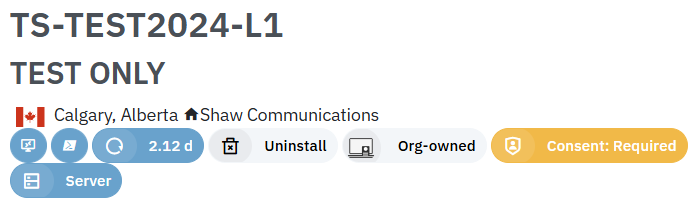
Give your clients comfort knowing that you’ll request permission before connecting to their screen.
You can allow some staff to override this setting, limit the IP addresses and countries that can remotely manage devices, and more.
If you have any questions or need further assistance, feel free to reach out through our chat, phone or email on our contact page!